Beyond Lift-and-Shift: How to Actually Plan a Legacy Migration
Replacing legacy systems with AI readiness, compliance, and data control built in

Migrating from a legacy system used to be straightforward, at least in theory. Export the data, map the fields, load it into the new platform, and call it done.
Those steps still matter. But they're no longer enough.
For organizations dealing with heavy documents, records, or complex workflows, migration has become something much bigger than a technical exercise. It's a decision about information control — where your data lives, how it's governed, whether AI can safely touch it, and how quickly you can adapt when compliance requirements inevitably shift.
This guide is for the people who actually have to make these decisions: records managers, information architects, IT leaders, compliance teams, and project owners moving from legacy repositories, line-of-business systems, shared drives, or aging enterprise platforms to something modern — whether that's an EDMS, ECM, records management, contract, or case management platform.
Here's the honest truth about most legacy migrations: unclear ownership, inconsistent metadata, weak retention discipline, over-permissioned repositories, undocumented workflows, and processes that only work because one person knows all the shortcuts — these are the real problems. The migration is just where they become impossible to ignore.
The goal isn't to recreate the old system in a cleaner interface. The goal is to build something more controlled, more adaptable, and actually ready for the way information management works now.
Before we get into the checklist
It helps to understand what's changed in how migrations are planned.
| Old approach | Modern approach |
|---|---|
| Move everything | Decide what actually deserves to move |
| Copy permissions | Redesign access around current risk and responsibility |
| Map fields | Design metadata as a control layer |
| Pick a SaaS tool | Choose the right deployment and control model |
| Store documents | Govern information across its full lifecycle |
| Add AI later | Plan AI eligibility, review, and residency from the start |
| Meet today's compliance needs | Build for compliance change |
A technically successful migration can still fail strategically. If you preserve the same weak governance, unclear ownership, and uncontrolled access patterns that made the old environment difficult to manage, you've just moved the problem somewhere more expensive.
In a modern EDMS or ECM environment, documents aren't just files to be stored. They're governed business objects with metadata, permissions, lifecycle rules, relationships, audit history, and integration points. If you're working with contract management, case management, or records management, the process around the document matters just as much as the document itself.
1. Define the migration outcome before you open a single export
The first mistake most teams make is diving straight into the legacy system. Before you start mapping fields or running exports, define what this migration is actually supposed to accomplish.
This matters because legacy systems have a pull to them. Teams end up spending most of their time asking, "How did the old system work?" when they should be asking, "Which parts of the old system are still worth keeping?"
You can successfully migrate every single file and still fail to improve anything. Start with the destination, not the departure point.
Questions to answer before anything else:
- What's the business reason for this migration? Modernization, compliance, cost, end-of-life risk, AI readiness, process improvement — or all of the above?
- Should the new system replicate the current process, or improve it?
- Which departments, business units, or jurisdictions are affected?
- What has to work on day one versus what can come later?
- Which business processes should not be carried forward unchanged?
- What are the known pain points in the legacy system?
- What's the risk of doing nothing?
Planning outputs: Migration goals, day-one priorities, future-phase opportunities, legacy process concerns, business constraints.
The real question: Are you moving data into a new system, or are you moving the organization to a better way of managing information?
2. Decide how much control you need over the deployment
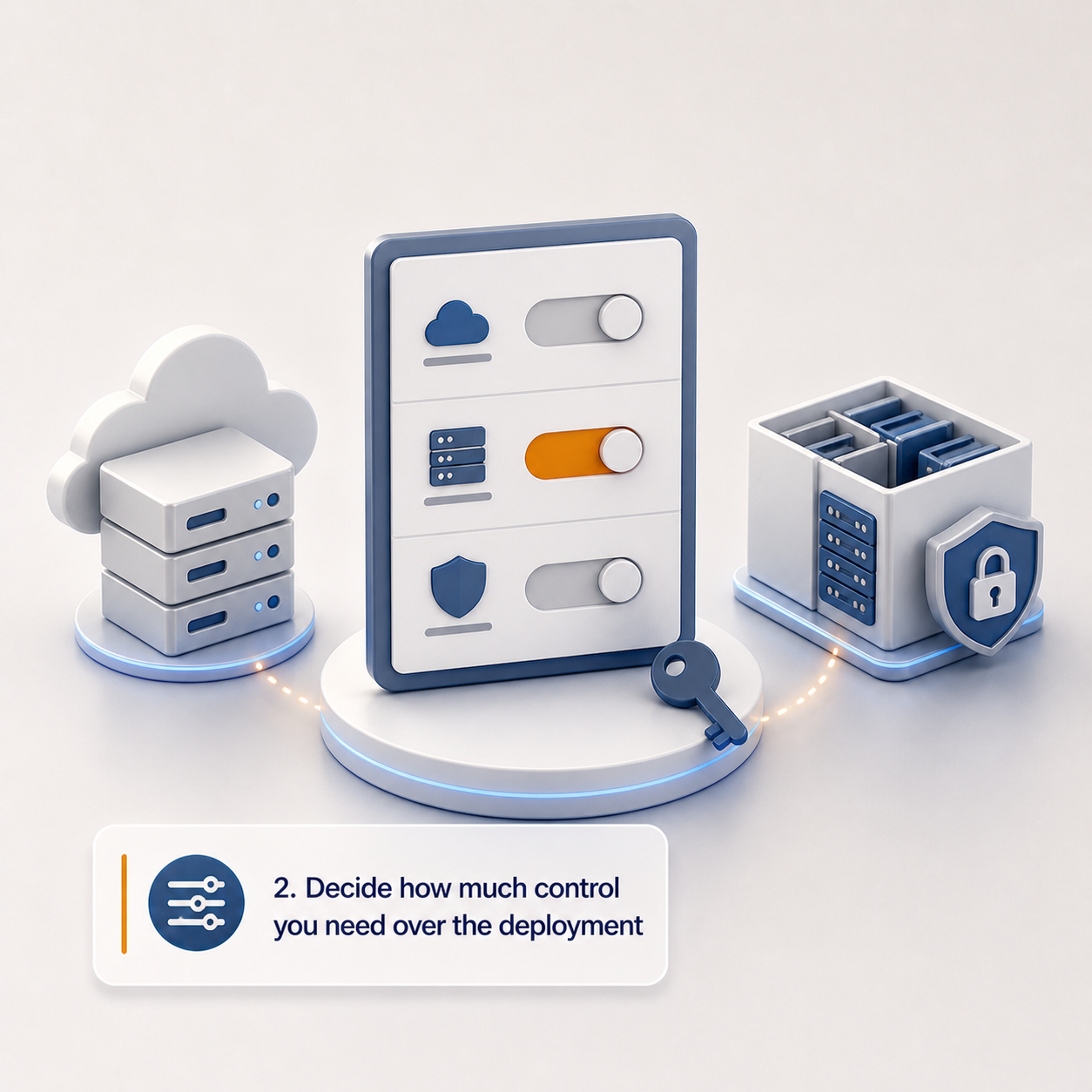
This is where a lot of organizations make a quiet mistake — treating hosting as an afterthought. The deployment model shapes what you can prove, control, recover, and change later. It deserves a real decision, not a default.
For some organizations, vendor-hosted SaaS is the right call. For others — especially those with regulatory requirements, data sovereignty obligations, or strict internal IT policies — single-tenant or customer-controlled cloud deployment is the only viable option.
Your hosting model affects residency, auditability, encryption, integrations, support access, disaster recovery, and long-term control. It's not a footnote.
Work through these questions:
- Vendor-hosted, single-tenant, or deployed into your own cloud account?
- Does infrastructure ownership matter for compliance, audit, or procurement?
- Do you need visibility into logs, backups, encryption, and operational controls?
- Are customer-managed encryption keys required?
- Do you need private networking, restricted access paths, or IP allow-listing?
- Do different departments, business units, or jurisdictions need hard segregation?
- Who can access production infrastructure?
- How should vendor support access be approved, logged, and revoked?
- Do you need portability or future transferability of the environment?
- What are your disaster recovery expectations?
Planning outputs: Target deployment model, required cloud regions, infrastructure ownership requirements, encryption requirements, support access rules, disaster recovery expectations.
The real question: Who controls the environment where your information is stored, processed, searched, backed up, and analyzed?
3. Map data residency across the full information lifecycle
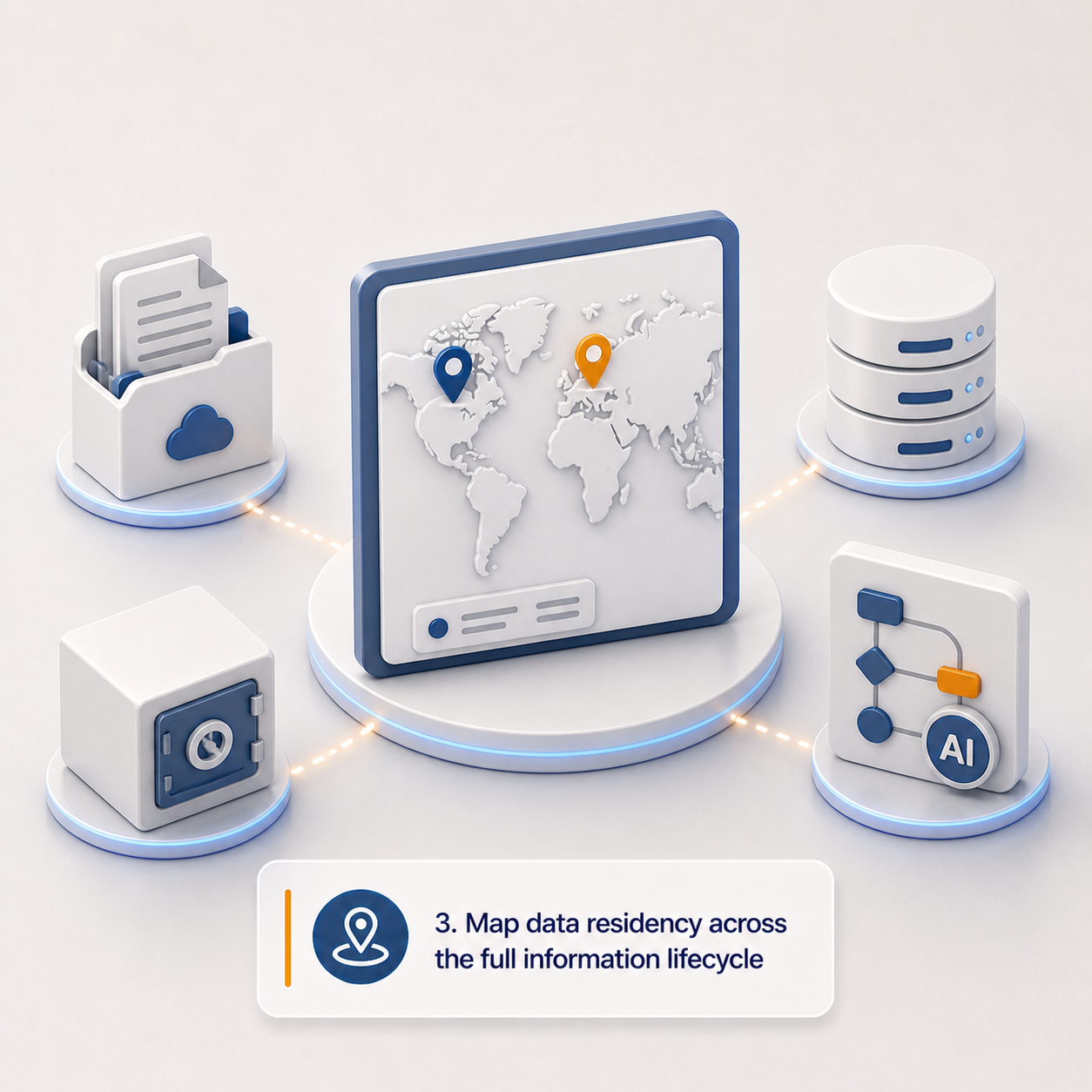
Most organizations stop at "where are the documents stored?" That's not enough.
Modern platforms don't just store files. They also store metadata, search indexes, logs, backups, AI prompts and responses, extracted values, workflow history, and audit events. Any of these might matter for residency, sovereignty, privacy, or contractual obligations.
This is especially important when you want to use cloud services, AI-assisted processing, disaster recovery, or cross-system integrations without losing control over where your information actually lives.
Work through these questions:
- Which countries, regions, or jurisdictions are approved for storage?
- Which are approved for processing?
- What about backups, replicas, snapshots, and disaster recovery?
- Do search indexes need to stay in the same jurisdiction as source content?
- Do logs and audit records have residency requirements?
- Is metadata subject to the same residency requirements as documents?
- Does AI processing need to happen within a specific boundary?
- Are there restrictions on cross-border support access or third-party processors?
- Can data leave your cloud account at all?
- Do different content categories have different residency requirements?
Planning outputs: Data residency matrix, approved processing locations, backup and DR constraints, AI processing restrictions, cross-border access rules.
The real question: Have you defined residency for the full information lifecycle, or just for where the original files are stored?
4. Inventory the legacy system — but focus on what's actually useful
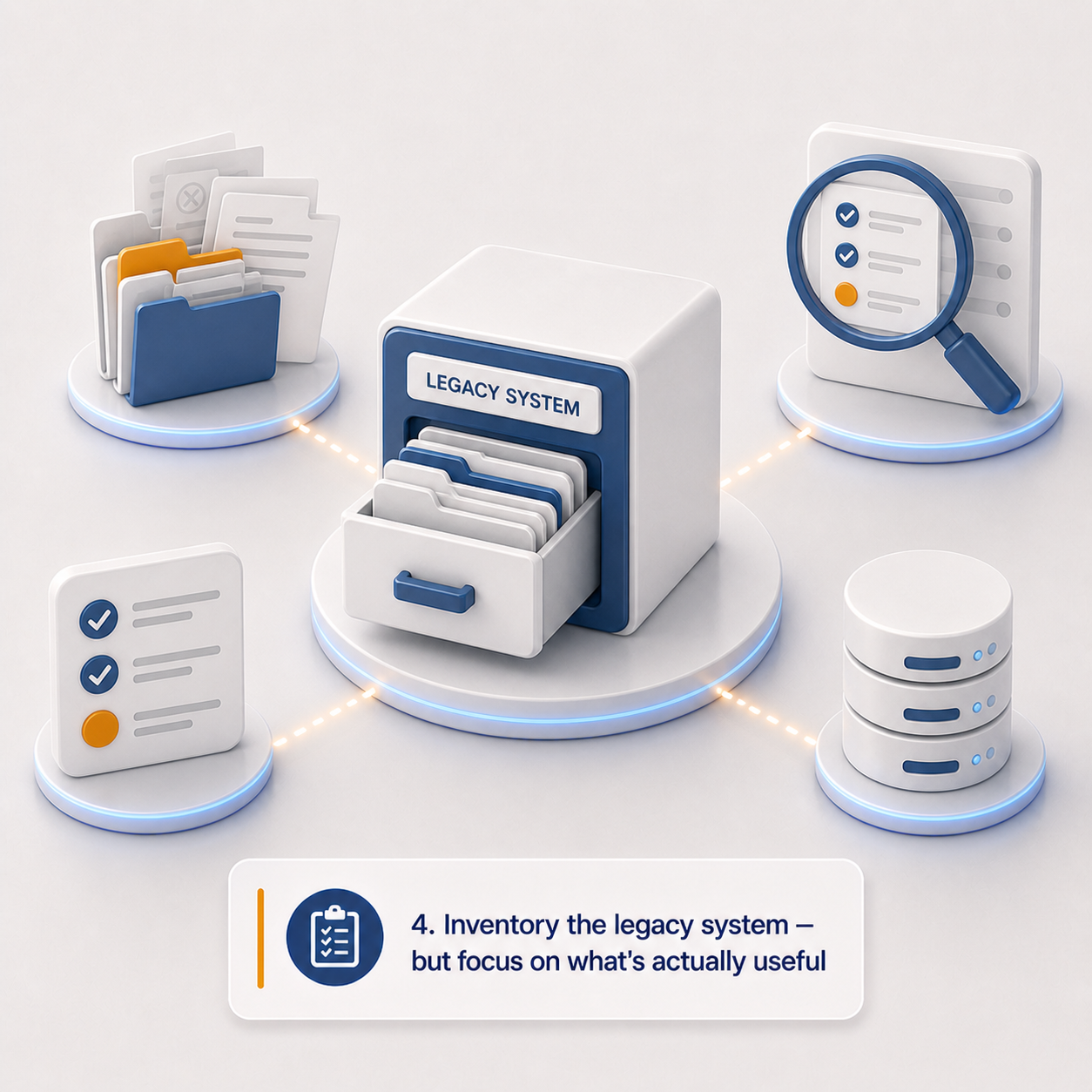
You need a legacy inventory. But don't let it become a months-long archaeology project unless the risk genuinely justifies it.
The point isn't to document every historical quirk. It's to collect enough information to make sound decisions about scope, governance, migration quality, compliance, and what the new system should actually look like.
One thing to watch for: in mature operational environments, the official process and the real process are rarely the same thing. The inventory should capture both — what the system says it does, and how people actually use it to get work done.
Inventory checklist:
- Legacy system, version, vendor, hosting model, support status
- Major business processes the system supports
- Estimated number of documents, records, objects, cases, contracts, forms, transactions
- Total storage volume
- Major content types and file formats
- Structured data, unstructured documents, metadata, comments, audit trails, workflow history
- Current reports and search patterns
- Current integrations
- Known data quality issues
- Content that's obsolete, duplicate, redundant, or low-value
- Content that must not be migrated
- Content requiring special handling due to sensitivity, retention, legal hold, or regulatory obligations
Planning outputs: Legacy system summary, data and content inventory, migration scope, exclusions list, known risks, initial phasing recommendations.
Practitioner note: System documentation rarely tells the whole story. Interviews with users, records owners, administrators, and downstream teams will surface informal workflows, shadow repositories, and reporting dependencies that never appear in any official process map.
5. Confirm how the data can actually get out
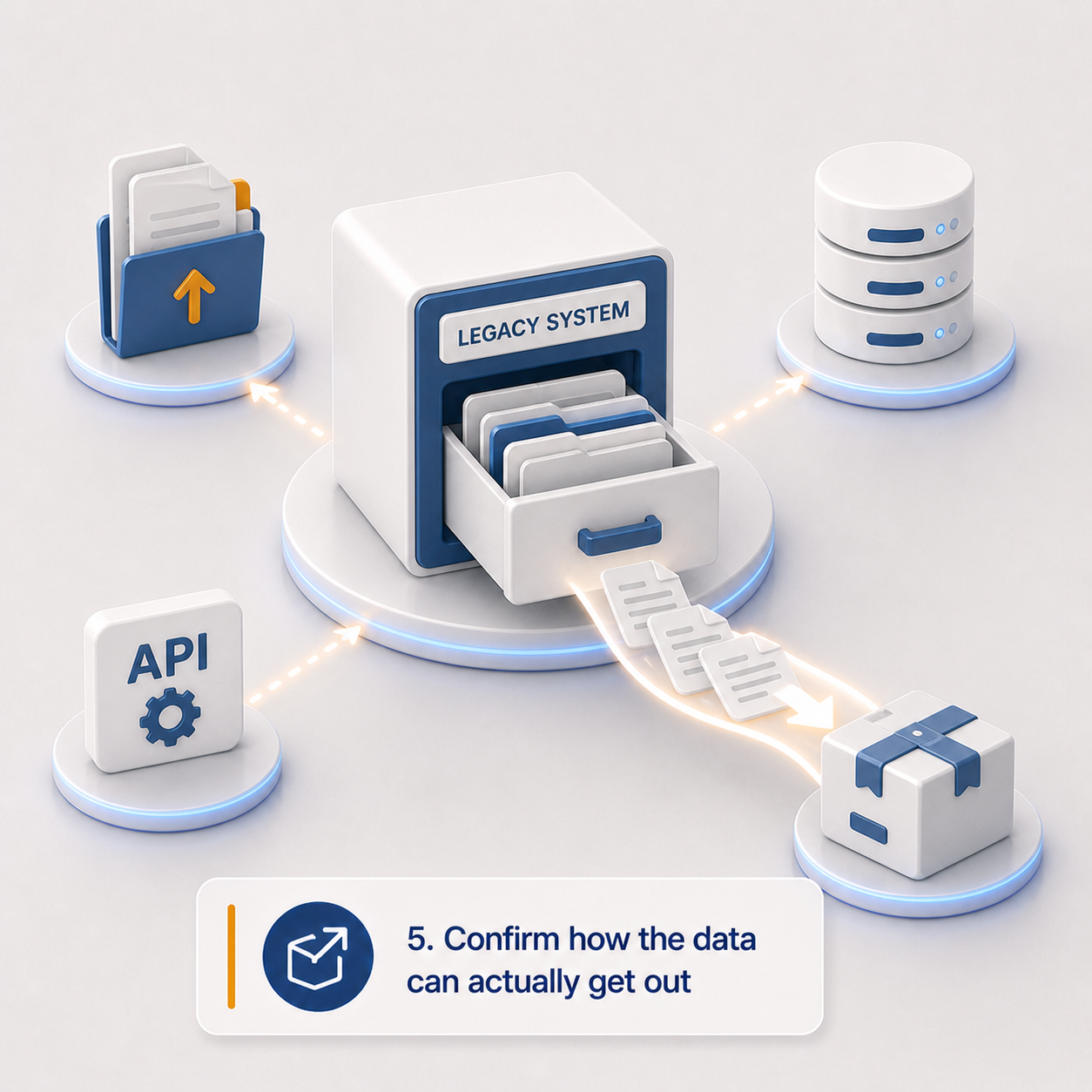
Migration feasibility often hinges on a question teams ask too late: can we actually export this cleanly?
Some systems have solid APIs and bulk export tools. Others require database access, vendor assistance, file-system extraction, custom scripts, or reconstruction from multiple sources. The extraction method affects cost, timeline, validation, metadata quality, and in some cases, legal defensibility.
For legacy EDMS, ECM, line-of-business, or engineering document systems, this gets complicated quickly. Documents may be stored separately from metadata. Versions may need special handling. Relationships between records may be stored in ways that are difficult to reconstruct.
Extraction checklist:
- Can documents, metadata, versions, permissions, relationships, audit history, and workflow history be exported?
- Are documents stored as files, database blobs, proprietary packages, or references to external storage?
- Are there usable APIs, database access, reports, CSV exports, or vendor-assisted export tools?
- Get a representative sample export early — use it to find issues with file integrity, metadata matching, identifiers, dates, encoding, and version history
- Are unique identifiers stable and usable?
- Do source-system references need to be preserved in the new platform?
- Are delta exports possible for phased migration or coexistence?
Planning outputs: Extraction method, sample export, export limitations, required vendor involvement, data reconciliation approach, technical migration risk assessment.
6. Decide where AI helps — and where humans stay accountable
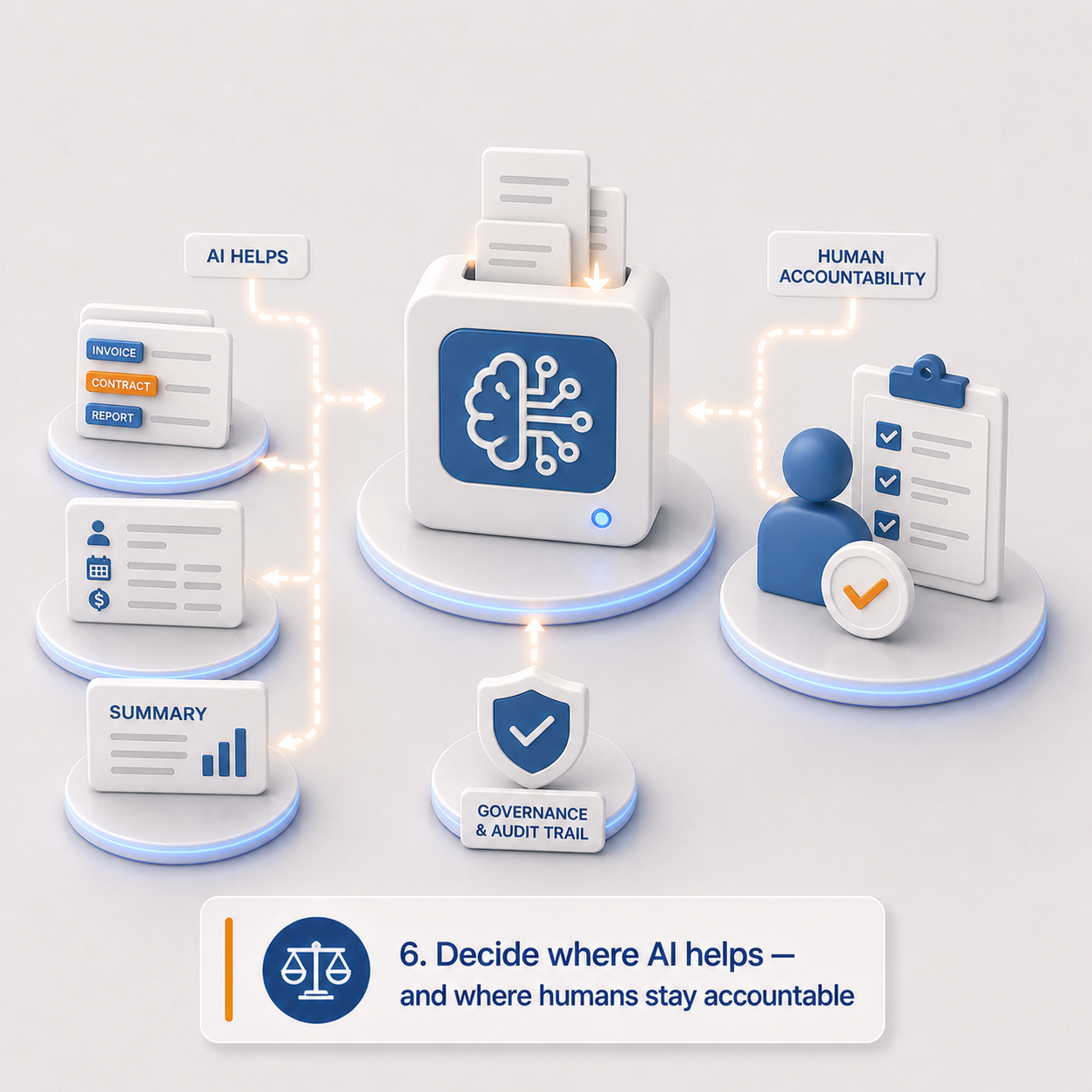
AI can genuinely accelerate migration work, especially when legacy repositories are poorly classified, inconsistently named, weakly structured, or simply too large for manual review. But it needs to be introduced deliberately.
AI is most useful in migration when it narrows the unknowns. It's most dangerous when its suggestions silently become decisions without anyone noticing.
The goal isn't to "use AI." The goal is to define where AI can do the heavy lifting, where human accountability is still required, and how AI-generated outputs will be reviewed, stored, and audited.
Where AI can genuinely help:
- Document classification and metadata extraction
- Entity recognition and sensitive information detection
- Duplicate and near-duplicate detection
- Retention category recommendations
- Contract clause identification — obligations, renewal dates, expiry dates
- Summarization of long documents, records, or case files
- Quality checks against expected metadata
- Exception flagging for content that needs human review
Where humans need to stay in the loop:
Human review should be planned wherever AI-generated outputs might affect governance, retention, reporting, legal or contractual obligations, compliance status, downstream integrations, or business decisions.
Human review checklist:
- Which AI outputs are suggestions only?
- Which can be written directly to metadata?
- Which require human review before acceptance?
- Which fields require human approval?
- Who is responsible for reviewing AI outputs?
- How do reviewers accept, reject, or correct AI suggestions?
- Should AI-generated values be labeled as such?
- What's the escalation path for uncertain, sensitive, or high-risk content?
AI governance checklist:
- Which migration tasks may AI assist with?
- Which content is eligible for AI processing — and which is excluded?
- Does AI processing need to stay within your cloud account, approved region, or approved service boundary?
- How should confidence levels, uncertainty, and exceptions be handled?
- Should prompts, responses, and AI actions be retained for auditability?
Planning outputs: AI use cases, eligibility rules, human-in-the-loop review model, exception queues, AI output storage and audit requirements, approved processing locations.
The real question: Where can AI safely reduce manual effort, and where does the organization still need a human making the call?
7. Design metadata as your control layer, not just a search aid
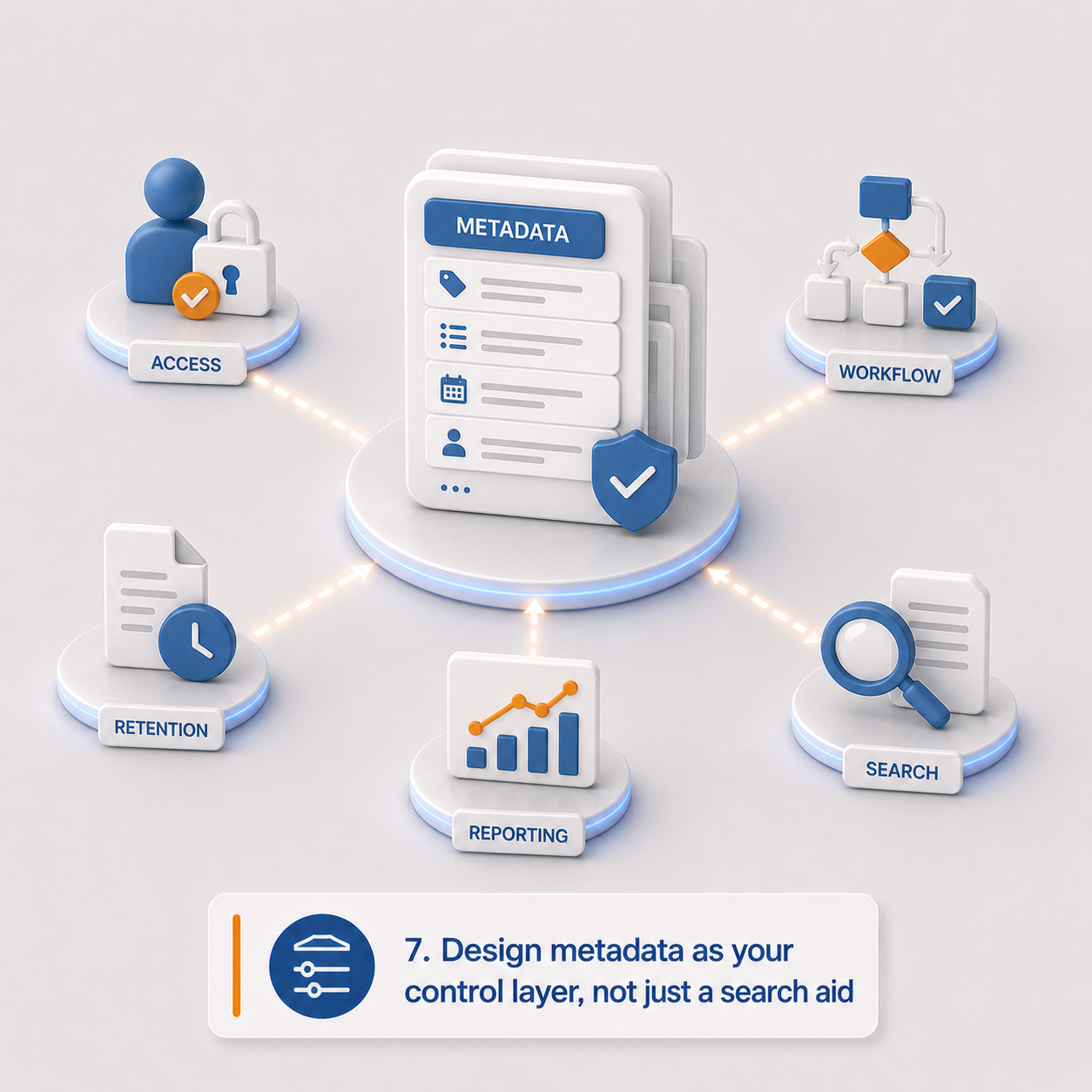
Here's a shift worth internalizing: metadata isn't just for helping users find documents anymore.
In a modern platform, metadata can drive access control, workflow, retention, reporting, integration, AI processing, and compliance automation. Poor metadata design limits the value of the new system before anyone even logs in.
From an EDMS or ECM perspective, metadata is where the platform stops being a repository and starts becoming a real business system. It's also where legacy workarounds can finally be replaced with cleaner, more consistent rules.
Metadata checklist:
- What metadata fields exist in the legacy system?
- What's missing but needed?
- Separate descriptive metadata from governance metadata
- Which fields should drive permissions?
- Which should drive retention or disposition?
- Which should drive workflow?
- Which should be inherited from other business systems?
- Which can users enter? Which should be system-managed?
- Which can AI suggest? Which require approval before AI can update them?
- Define required fields by document type, record type, case type, or contract type
- Define controlled vocabularies, picklists, validation rules, naming conventions
- Do metadata changes require an audit trail?
- Do schemas need to vary by department, jurisdiction, or content type?
Planning outputs: Metadata model, governance metadata model, required fields by content type, controlled vocabularies, AI-generated metadata rules, metadata audit requirements.
Practitioner note: Metadata is often where legacy problems become most visible. If teams have spent years using free-text fields and local folder naming conventions to compensate for system limitations, migration is the chance to turn those habits into real controls.
8. Build for compliance change, not just today's requirements
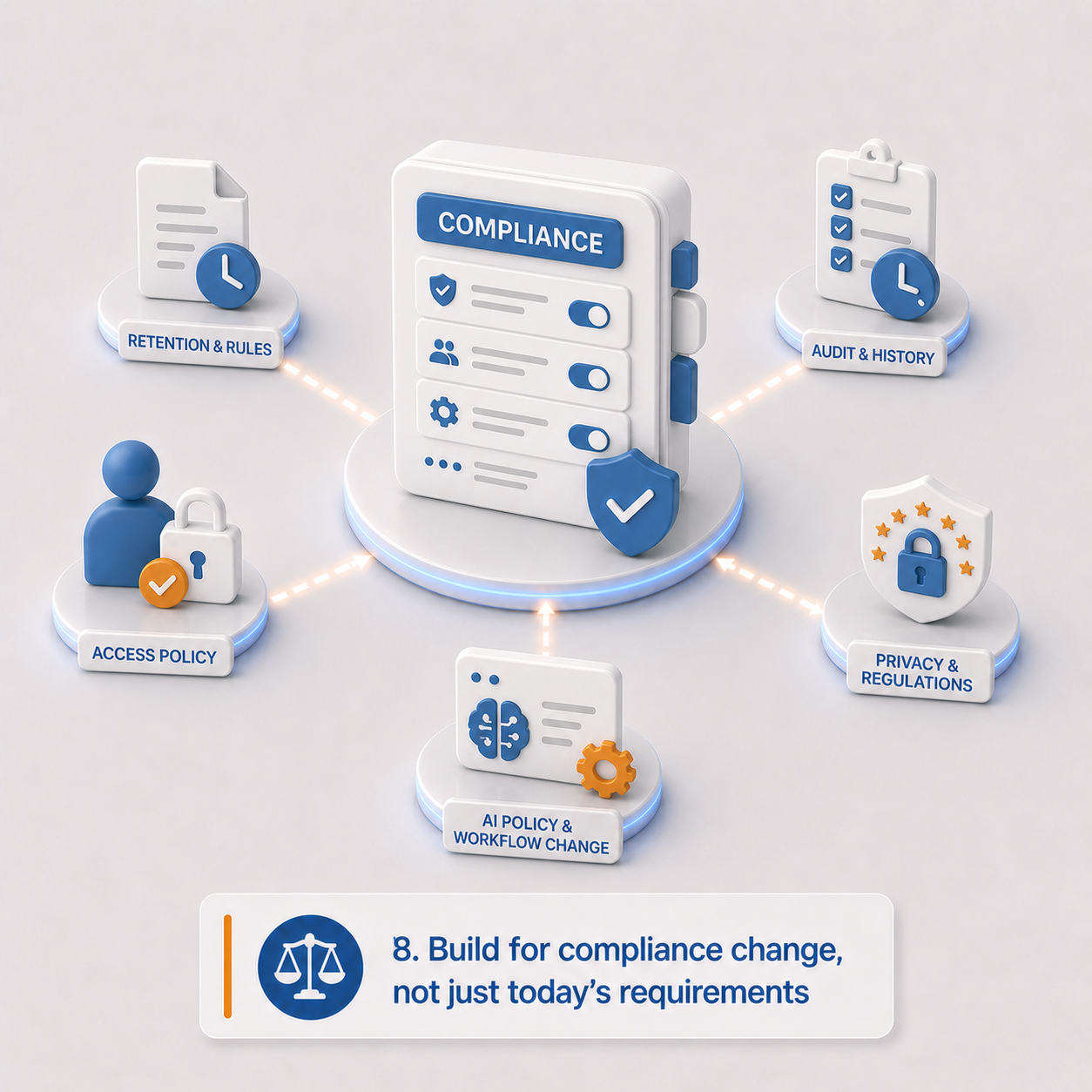
Legacy systems often become brittle because they were built around a fixed set of assumptions — fixed retention schedules, fixed approval processes, fixed permission models, fixed departments. And then everything changed, and nobody could keep up.
Modern organizations rarely have the luxury of stability. Privacy rules evolve. Data residency expectations shift. AI policies emerge. Retention schedules get updated. Business units reorganize. New jurisdictions become relevant. Audit expectations increase.
A migration shouldn't hardcode today's compliance model so tightly that tomorrow's requirements require a complete rebuild.
This is where configurable architecture matters. If every compliance change requires custom development, you haven't really escaped the rigidity of the old system — you've just moved it.
Compliance readiness checklist:
- What are the current regulatory obligations?
- What changes are likely coming?
- What are the jurisdiction-specific requirements?
- Which rules are stable and which are likely to change?
- Can retention rules, workflows, metadata schemas, and AI policies be updated through configuration rather than code?
- Can workflows change without redeployment?
- Are policy changes logged and auditable?
- Who owns future changes to compliance configuration?
Planning outputs: Compliance requirements register, future-change assumptions, configurable policy requirements, governance ownership model, auditability requirements.
The real question: Are your compliance rules configurable enough to change when the organization, regulator, or jurisdiction changes?
9. Treat retention and disposition as design requirements, not afterthoughts
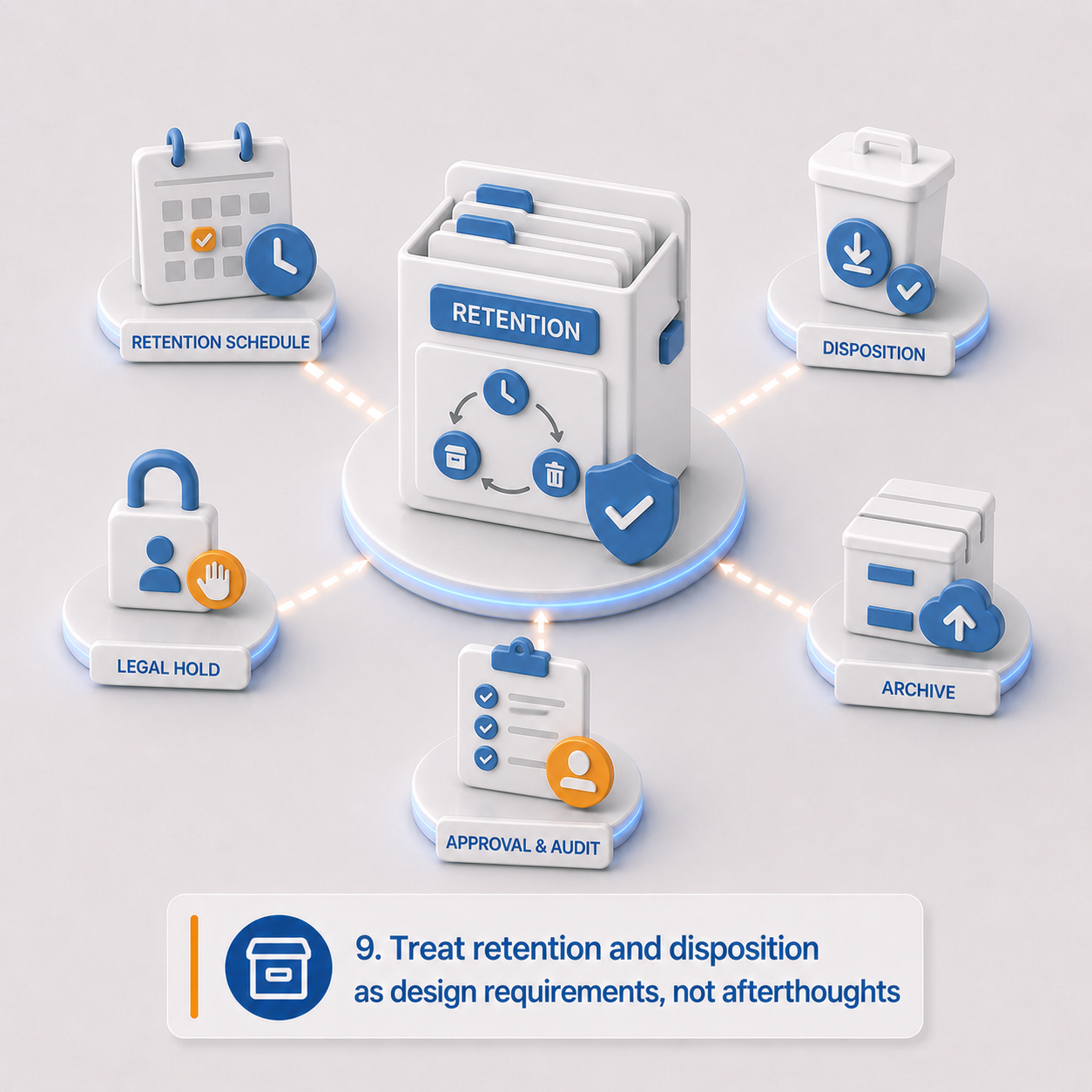
Retention shouldn't be bolted on at the end of a migration. It should shape classification, metadata, workflow, access control, migration scope, and validation from the very beginning.
Keeping information too long creates unnecessary risk. Deleting it too early creates legal, regulatory, or operational problems. Migrating everything without a lifecycle model just moves the problem to a shinier location.
Retention and disposition checklist:
- What retention schedules apply?
- What are the record categories, trigger dates, and retention periods?
- What are the disposition actions?
- Who reviews and approves before disposition?
- What are the legal hold requirements?
- Who can place or remove holds?
- What does a hold block — deletion, disposition, editing, checkout?
- Should retained content stay active, become read-only, be archived, or be hidden from regular users?
- Are disposition actions auditable? Are certificates or reports required?
- Should expired content be migrated, archived separately, or excluded?
- Can AI suggest retention categories? If so, does that require human approval?
Planning outputs: Retention and disposition model, legal hold model, record category mapping, disposition approval workflow, retention metadata requirements, disposition audit requirements.
10. Redesign access control — don't just copy the old one
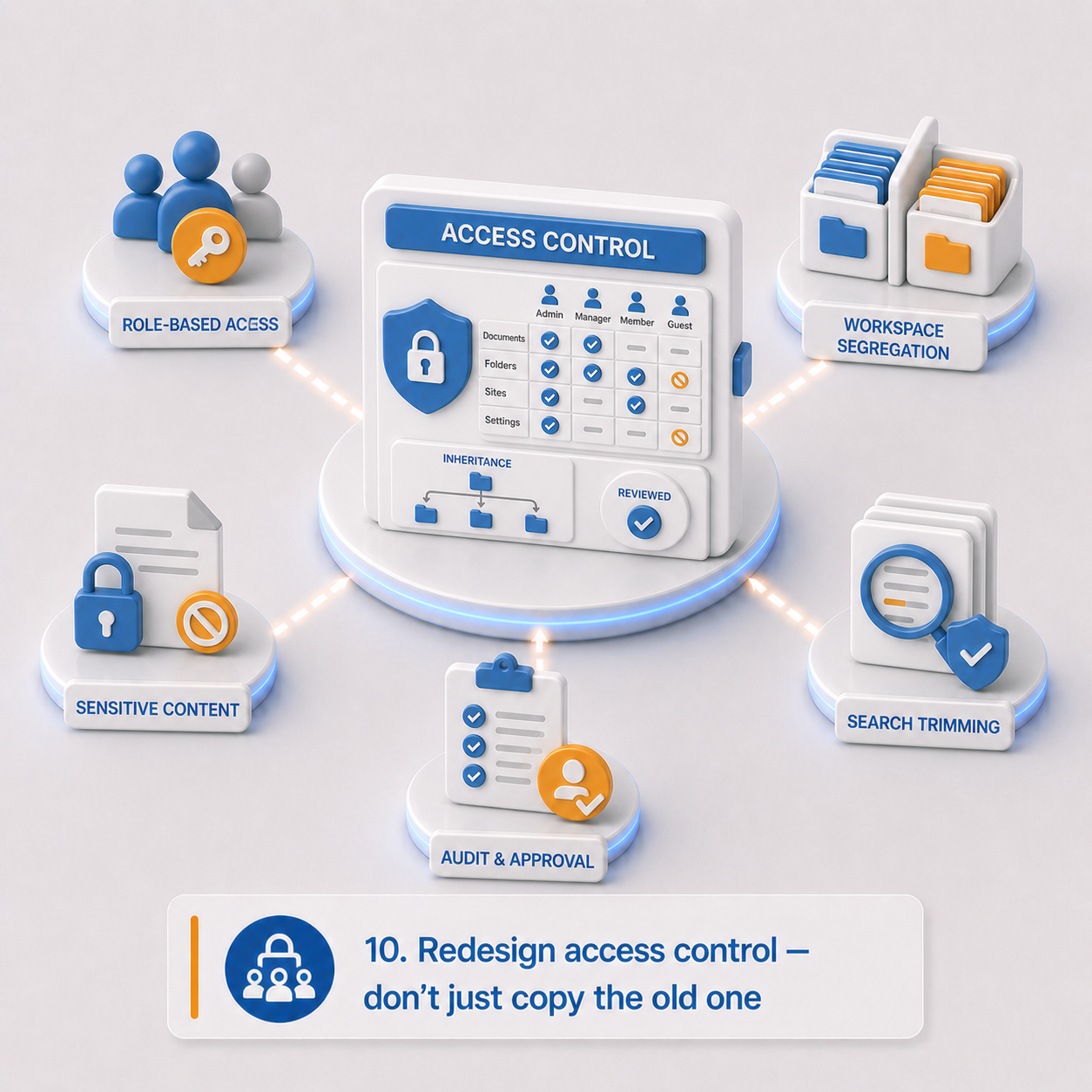
Legacy permissions often describe organizational history better than organizational intent.
Users may have inherited access they no longer need. Groups may reflect departments that no longer exist. Sensitive records may sit in broad repositories. Administrators may have far more access than current policy would allow.
Migration is an opportunity to decide whether old access patterns should be preserved or replaced. In most cases, they shouldn't just be copied.
In a modern platform, access control isn't just about who can open a file. It also governs who can search, export, edit metadata, trigger workflows, view AI-generated summaries, approve retention actions, or administer configuration.
Access control checklist:
- Current user roles, groups, departments, business units, and external users
- Permissions that should not be carried forward
- Content requiring restricted access or hard segregation by jurisdiction or department
- Should access be role-based, attribute-based, folder-based, or a combination?
- How is inheritance handled — and where should it be blocked?
- Can users share content externally?
- Can administrators access all content — and should they?
- Does privileged access require approval or additional logging?
- Does AI access respect the same permissions as user access?
- Are search results security-trimmed?
- Do audit logs capture access, download, export, AI processing, and permission changes?
Planning outputs: Access control model, workspace and segregation model, privileged access rules, external access rules, AI access requirements, security audit requirements.
The real question: Are you preserving legacy permissions because they're correct, or because no one has reviewed them in years?
11. Clarify which system owns what
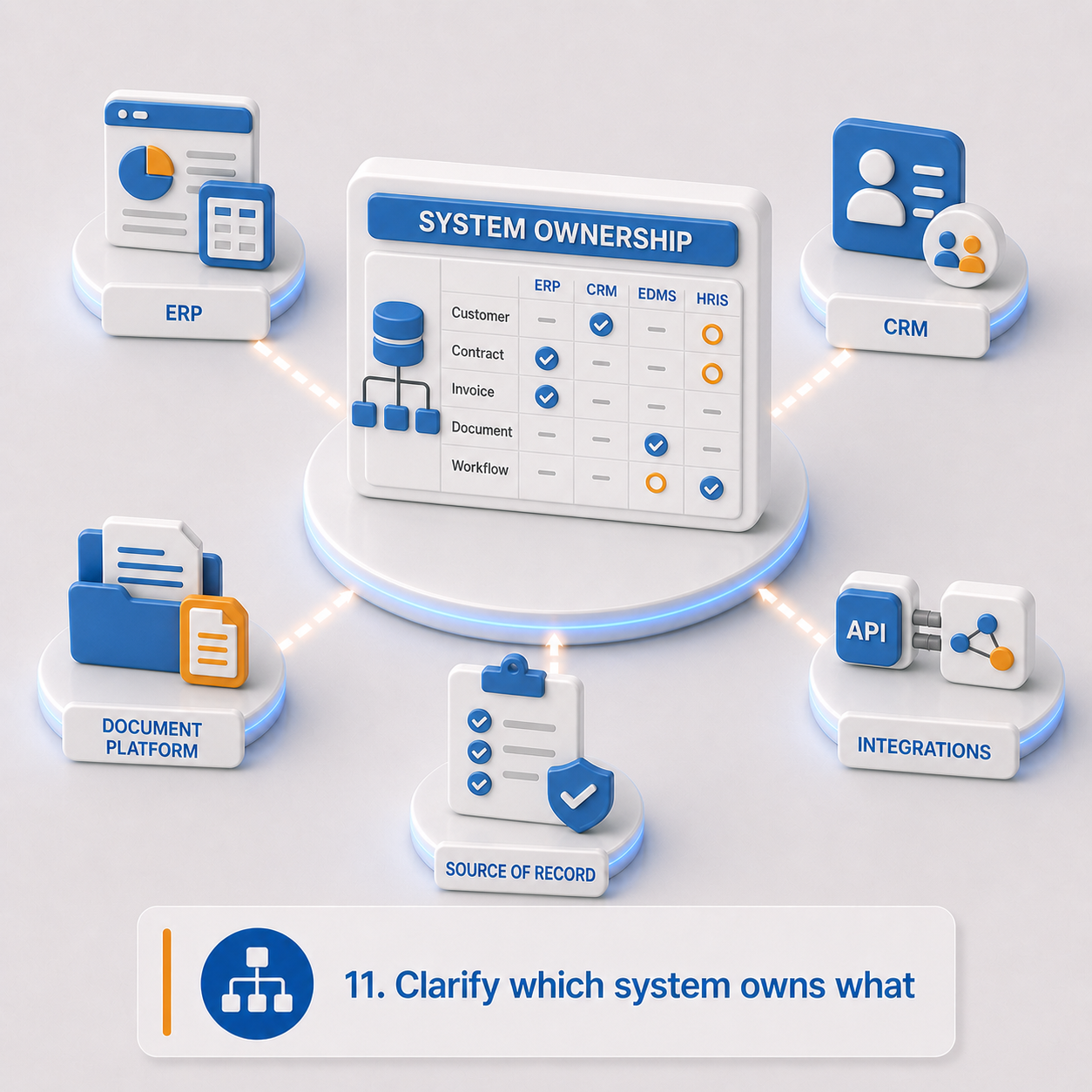
Modern migrations often go beyond moving content. The new platform may need to exchange data with ERP, CRM, HRIS, finance, identity, eSignature, reporting, or operational systems.
The document platform shouldn't pretend to own every business object. Its role is typically to govern the evidence, records, files, workflows, and document events that surround those objects. Without clear system-of-record boundaries, automation creates confusion. With clear boundaries, it adds value.
Integration and ownership checklist:
- All current integrations
- All required future integrations
- Which system owns each business object?
- Which system owns documents, metadata, workflow status, retention decisions, user identity?
- Is synchronization real-time, event-driven, scheduled, or manual?
- Required APIs, webhooks, batch jobs, file drops, or connectors
- What happens when source systems disagree?
- Can AI-extracted data update another system? If so, does it require human review first?
- What are the audit requirements for integration events?
Planning outputs: Integration inventory, future-state integration model, system-of-record matrix, synchronization rules, AI-to-integration rules, integration audit requirements.
12. Define what users actually need to find and prove
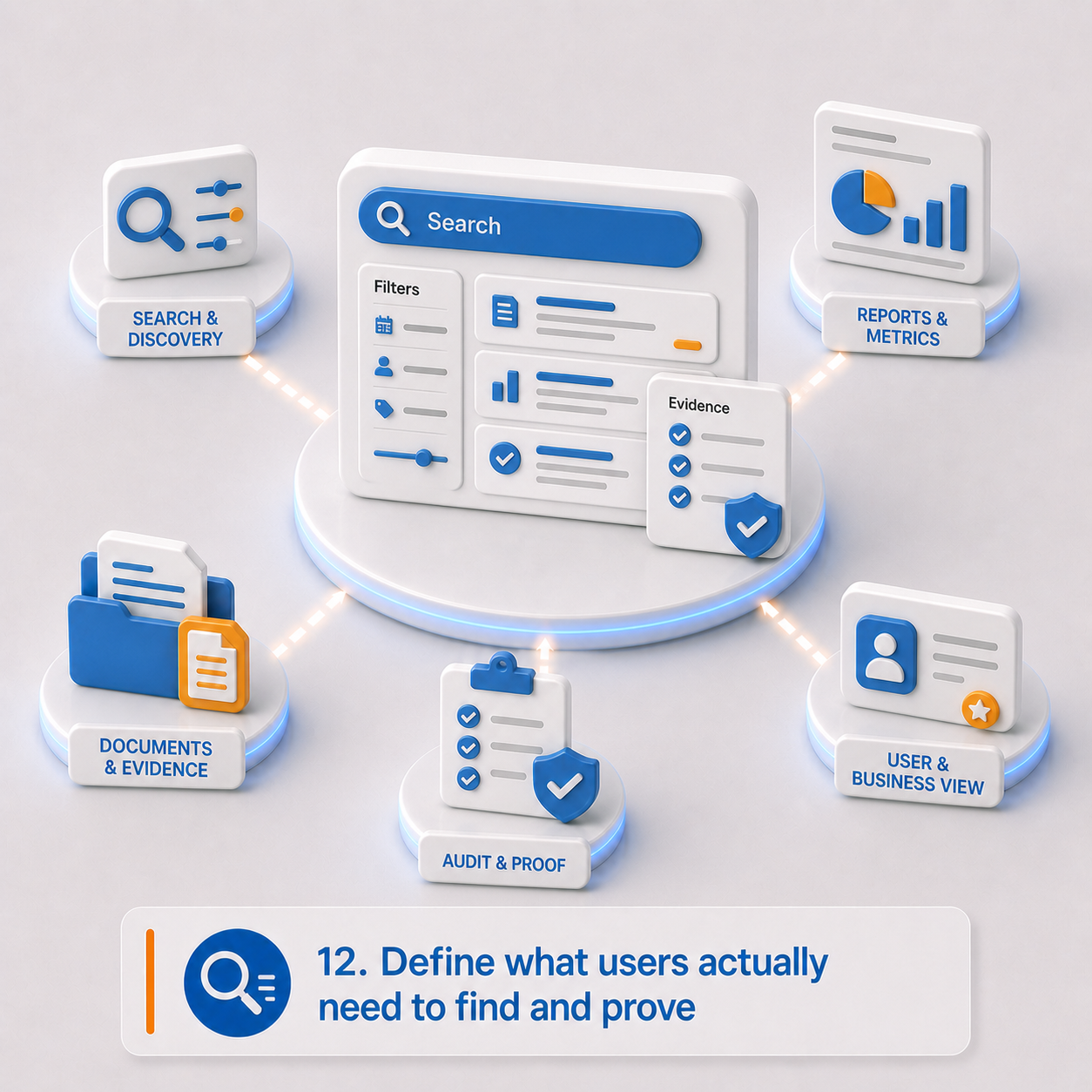
People often judge a migration by a simple test: can I find what I need faster than before?
Search and reporting requirements should be defined before metadata and indexing decisions are finalized. The useful question isn't whether search is required — in these environments, it always is. The better question is what users, auditors, administrators, and business owners need to retrieve that they can't reliably retrieve today.
In many legacy environments, reporting is a patchwork of system exports, spreadsheets, manual lookups, saved searches, and institutional knowledge. A modern platform should reduce that dependency, not recreate it.
Search and reporting checklist:
- Most common user search patterns
- Where search needs to improve beyond the legacy system
- Required metadata filters, saved views, dashboards, operational queues
- Compliance, retention, disposition, and audit reports
- Contract, case, document, or record status reports
- Should search include AI-generated summaries, extracted fields, or classifications?
- Must search results respect access-control rules?
- Does reporting data need to be exported to BI tools?
- Which legacy reports should be recreated, redesigned, or retired?
- Which reports and dashboards are required on day one?
Planning outputs: Search requirements, reporting requirements, dashboard requirements, indexing requirements, security-trimming requirements, legacy report replacement plan.
13. Decide what doesn't deserve to make the trip
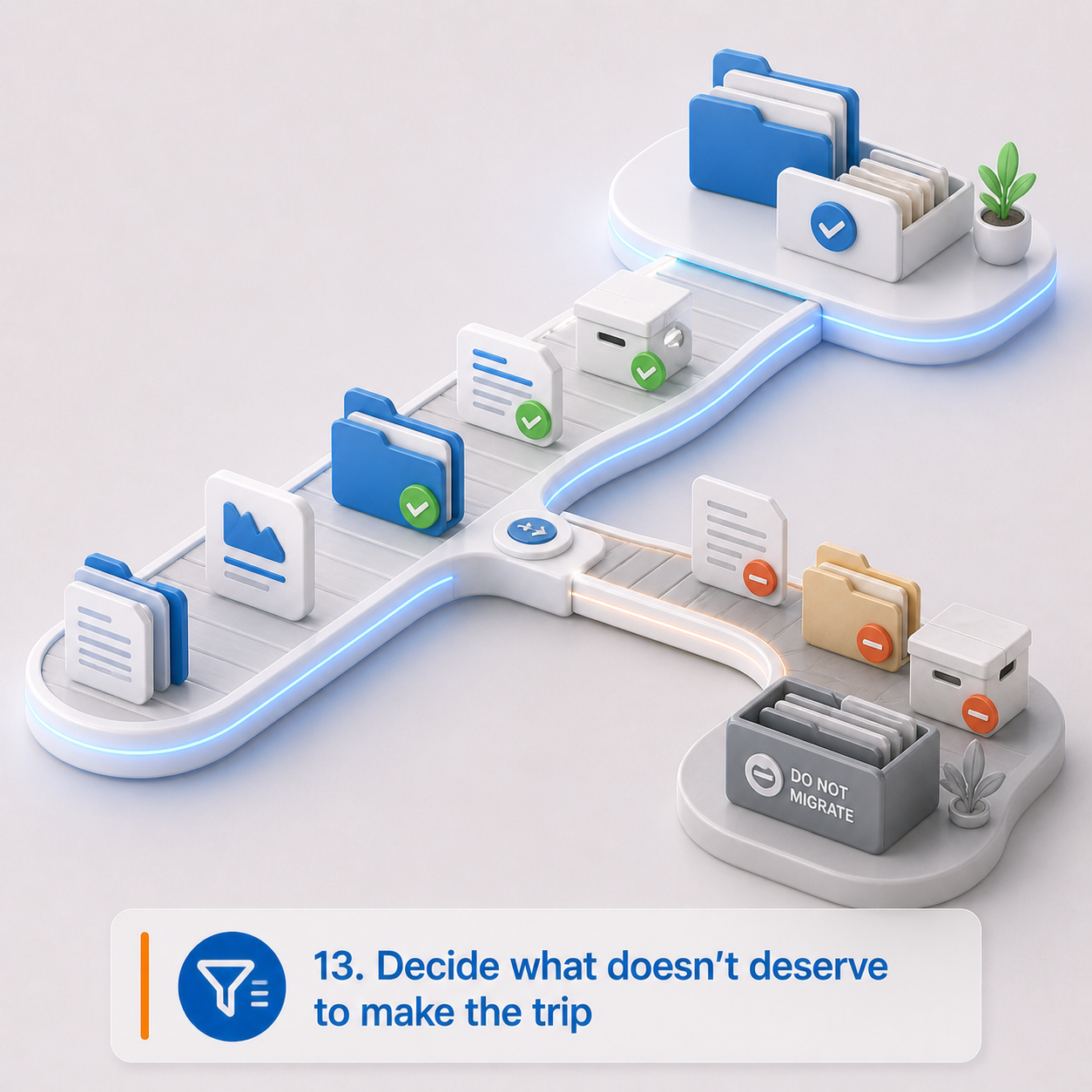
Moving everything might feel safer. It isn't.
Moving everything means carrying clutter, cost, and risk into a newer system. Some content is obsolete, duplicated, expired, low-value, or better retained separately. A thoughtful migration includes a deliberate decision about what doesn't belong in the active environment.
For information management teams, this can be one of the most valuable parts of the whole project. It creates a structured moment to separate business records from digital residue.
Exclusion checklist:
- Content outside migration scope
- Expired records, duplicate content, obsolete templates or forms
- Test data, abandoned drafts, unsupported or corrupt files
- Content with unclear ownership
- Content that should be archived rather than active
- Content retained only for legal, audit, or reference purposes
- Content eligible for defensible deletion before migration, if permitted
- Who can approve exclusions?
- How are exclusions documented?
- Where does excluded content live — legacy system, archive, or export package?
Planning outputs: Migration exclusion list, archive strategy, defensible deletion candidates, exception approval process, legacy retention plan.
Practitioner note: "Move it all" is often the most expensive form of avoidance. It postpones hard decisions, preserves old risk, and makes the new platform responsible for content the business may no longer understand or need.
The real question: Does this content still have business, legal, regulatory, or operational value — or are you paying to carry old risk into a new system?
14. Build a validation plan that goes beyond counting files
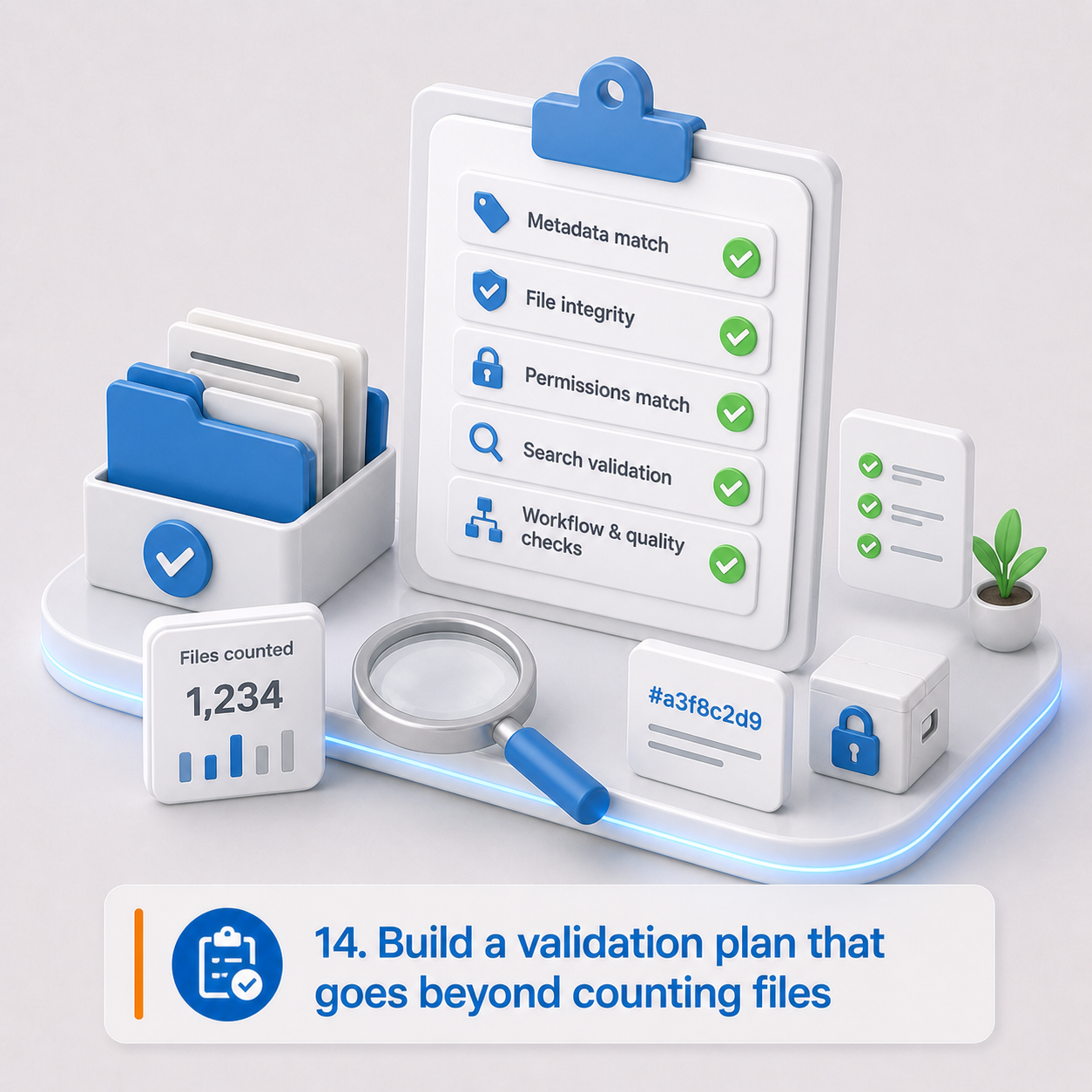
Migration quality should be measurable, and the measurement should go deeper than "all the files arrived."
Validation should confirm that migrated information is complete, searchable, permissioned correctly, governed correctly, and actually usable. That means testing metadata, permissions, workflows, retention rules, integrations, search behavior, and any AI-assisted outputs that will be used after go-live.
Validation checklist:
- Expected item counts and storage totals
- Metadata reconciliation rules
- File integrity or checksum requirements
- Sample review percentages — and higher percentages for high-risk content categories
- Permission validation tests
- Search validation tests
- Retention validation tests
- AI output validation tests
- Integration validation tests
- User acceptance testing scenarios
- Exception reporting
- Who signs off on migration quality?
- What blocks go-live versus what can be remediated afterward?
Planning outputs: Reconciliation plan, validation test plan, sampling approach, exception report format, acceptance criteria, sign-off process.
15. Plan the cutover — and what happens during the transition
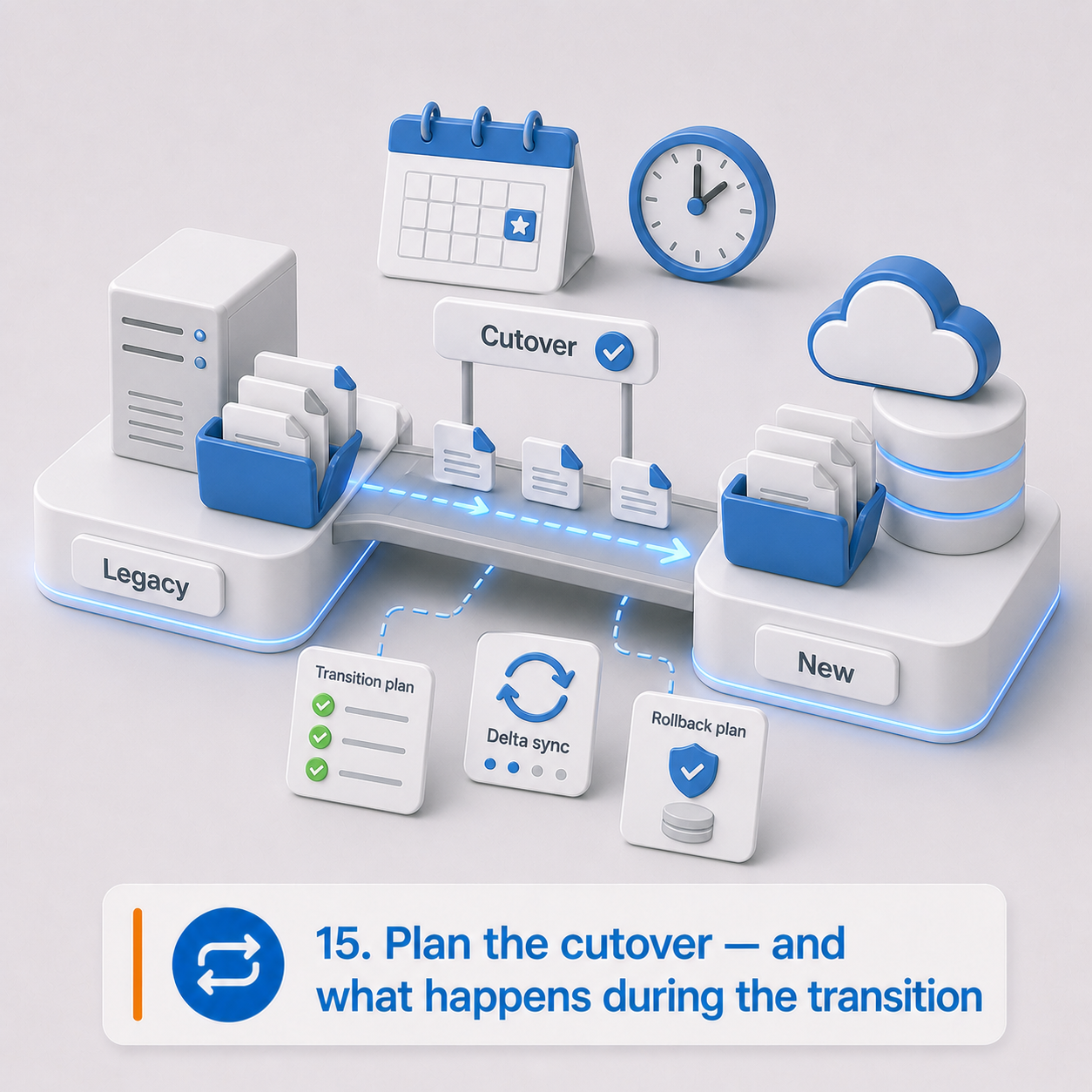
A migration may happen all at once, in phases, or through a coexistence period where both systems are running. That transition period needs to be designed intentionally.
Otherwise, users create content in both places, integrations point to the wrong system, and the organization loses confidence in which environment is authoritative. The cutover plan isn't just a technical schedule — it's an operating model for a period of genuine uncertainty.
Cutover checklist:
- Big-bang or phased migration?
- Migration waves by department, content type, jurisdiction, or process
- When does the legacy system become read-only?
- Can users create new content in the legacy system during migration?
- How will delta changes be captured?
- How long does the legacy system remain available?
- Is the legacy system the legal archive for any period?
- Do users need temporary access to both systems?
- Go-live support requirements
- Rollback criteria and contingency plans for failed imports, missing data, permission issues, or integration failures
- User communication plan
- Training needs before and after go-live
Planning outputs: Cutover plan, coexistence plan, delta migration approach, rollback and contingency plan, user communication plan, training plan.
16. Assign ownership for the decisions that actually matter
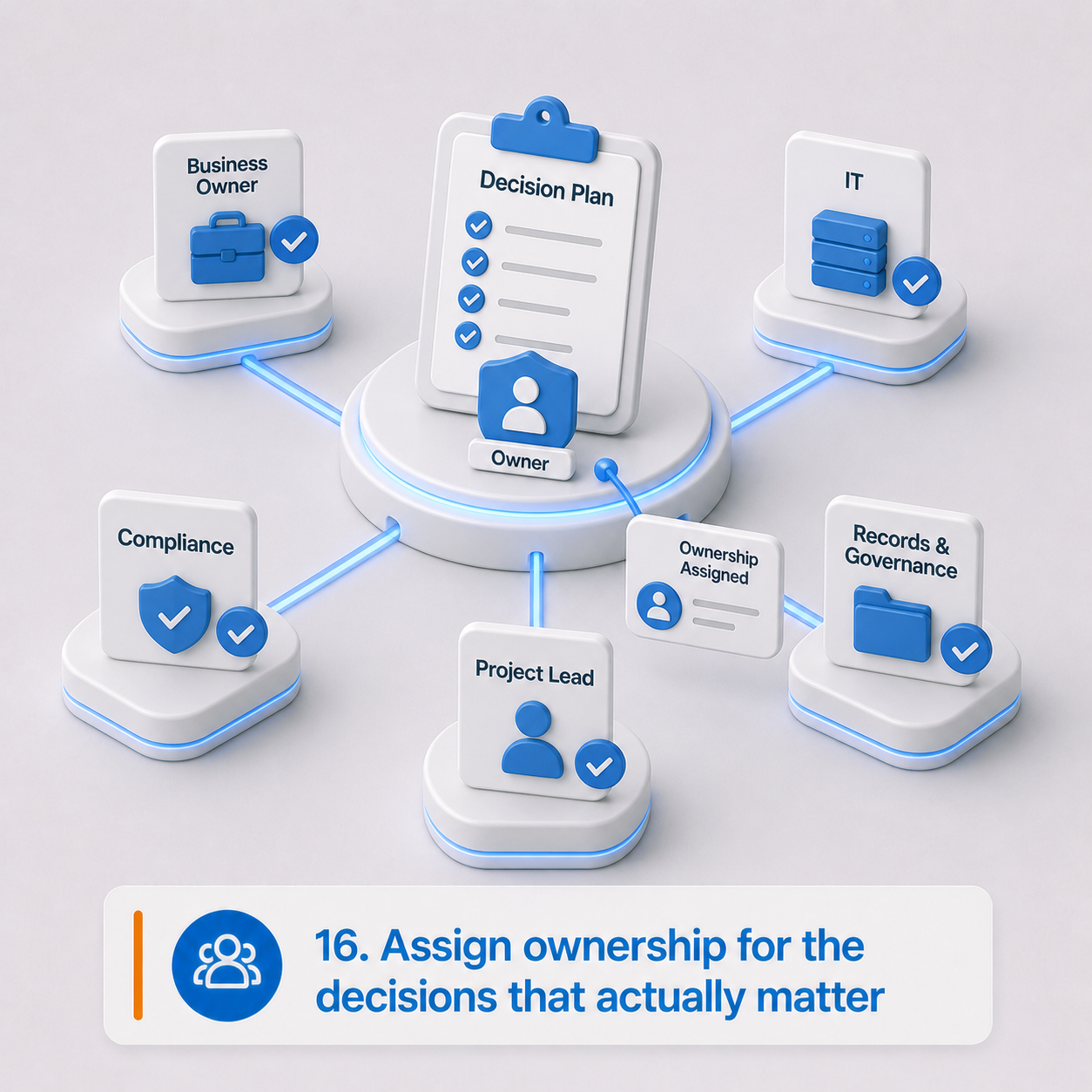
Migration projects slow down when nobody owns the hard calls.
Technical teams can recommend options. But business owners need to decide what content matters, what rules apply, what risks are acceptable, and which legacy behaviors shouldn't be carried forward. This is especially true when the migration touches records, privacy, compliance, operations, AI governance, or enterprise integrations. Those decisions can't be left entirely to the implementation team.
Decision ownership checklist:
- Executive sponsor, project owner, business process owners
- Data owners, records management owners
- Privacy and compliance stakeholders
- Security stakeholders, IT and integration owners
- AI governance stakeholders
- User acceptance testers
- Final approvers
- Who can approve scope changes, migration exclusions, retention and disposition rules, AI-assisted processing?
- Who signs off before go-live?
Planning outputs: Decision ownership matrix, stakeholder register, approval process, escalation path, go-live sign-off model.
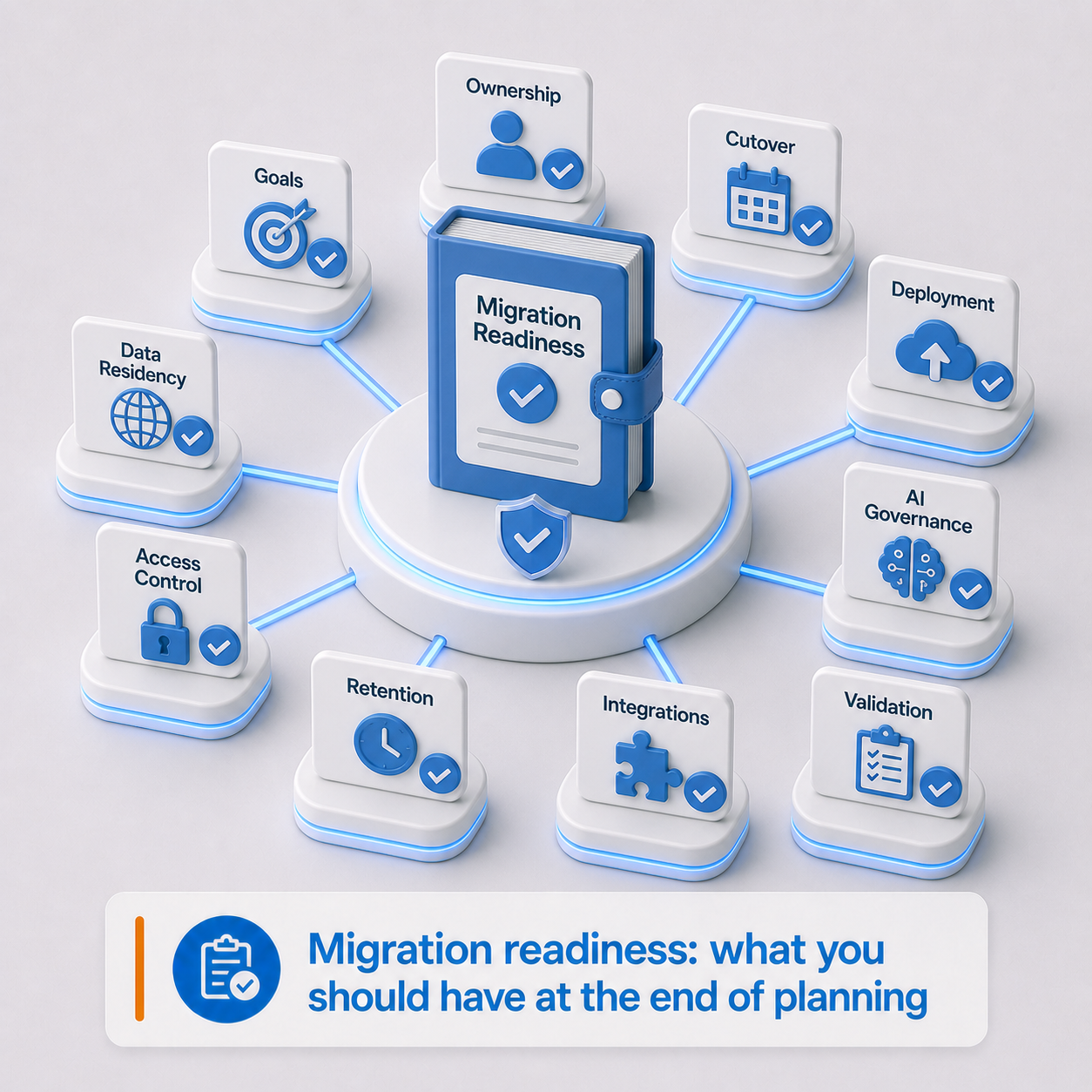
Migration readiness: what you should have at the end of planning
By the time you move into implementation, you should have — or be actively working toward — a practical package that includes:
Final readiness questions
Before moving into implementation, the organization should be able to answer:
- Do we know why we're migrating beyond just replacing old software?
- Do we know who should control the new environment?
- Do we know where our data, metadata, indexes, logs, backups, and AI processing are allowed to reside?
- Do we know which content AI can process?
- Do we know which AI outputs require human review?
- Do we know what metadata is needed to govern information properly?
- Do we know which retention, disposition, and legal hold rules apply?
- Do we know how access should work in the future, not just a copy of legacy permissions?
- Do we know which systems own which data?
- Do we know what should not be migrated?
- Do we know how migration quality will be validated?
- Do we know who can make decisions when exceptions come up?
If many of these are unclear, the project may still be viable — but start with a structured discovery phase before moving into implementation.
The bottom line
A modern legacy migration isn't a lift-and-shift exercise. It's an opportunity.
An opportunity to establish stronger control over enterprise information: where it resides, how it's secured, how it's classified, how it's retained, how AI can assist with it, and how quickly the organization can adapt when requirements change.
The traditional migration checklist still matters — exports, mappings, permissions, integrations, validation, cutover. But those are the mechanics, not the goal.
The real objective is to create a stronger foundation for control, compliance, automation, and future change. That's what it actually means to move beyond lift-and-shift.
Michael O'Regan is a Business Solutions Consultant at FormKiQ with more than 18 years of experience in information management, data governance, document control, business process improvement, and SaaS product operations. His work has spanned enterprise content governance, major engineering project documentation, contractor-to-operations transition, regulatory analysis, workflow design, and cross-functional implementation support.